
Overview
Zeeko Premium integrates with SIMKL to synchronize your watched history, ratings, and recommendations. Connecting your SIMKL account only takes a few minutes and gives you access to SIMKL features throughout the VOD library.
Requirements
Before connecting, make sure you have:
- Zeeko Premium
- A SIMKL account (free or Premium)
- An internet connection
Connecting SIMKL
- Open Settings from the Zeeko main menu.
- Select SIMKL.
- Choose Connect SIMKL.
- Zeeko will display a PIN code.
- On your phone, tablet, or computer, open https://simkl.com/pin.
- Sign in to your SIMKL account if prompted.
- Enter the PIN displayed in Zeeko.
- Approve the authorization request.
- Return to Zeeko. Your account will automatically connect once authorization is complete.
After Connecting
Once connected, the SIMKL settings screen displays your connection status and lets you:
- Enable or disable VOD scrobbling.
- Disconnect your SIMKL account at any time.
From this point on, supported movies and TV series will include the SIMKL button on their details page.
Once connected, every supported movie or TV series includes a SIMKL button on the details screen.
Screenshot

Using SIMKL in Zeeko

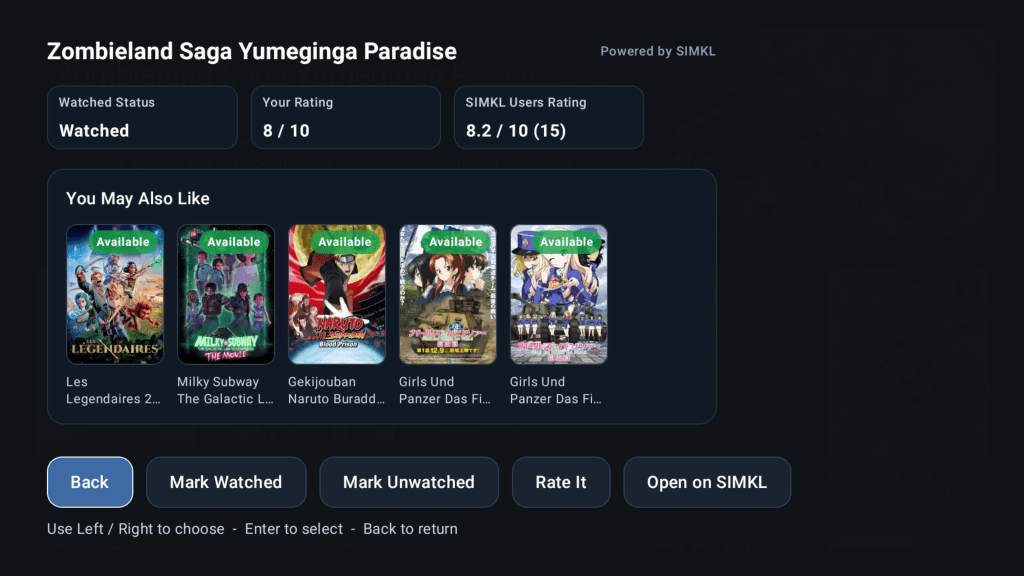
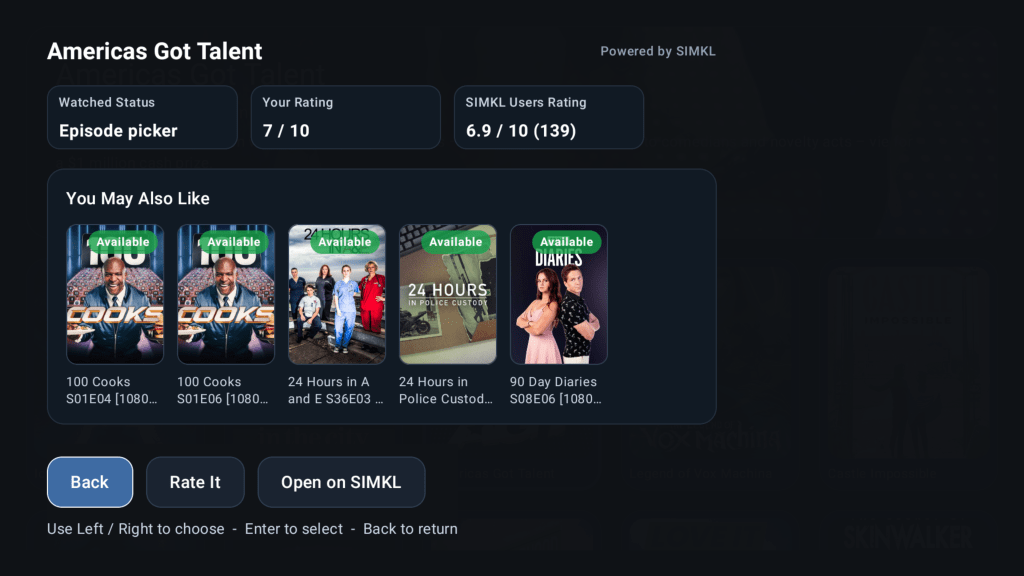
Selecting SIMKL opens the SIMKL Hub.
SIMKL Hub
The Hub displays:
- Your watched status
- Your personal SIMKL rating
- Community rating from SIMKL users
- Recommendations that match titles already available in your library
- A shortcut to open the title on the SIMKL website
Screenshot
Movies
For movies you can:
- Mark as Watched
- Mark as Unwatched
- Rate from 1–10
- Remove your rating
- Open the movie on SIMKL
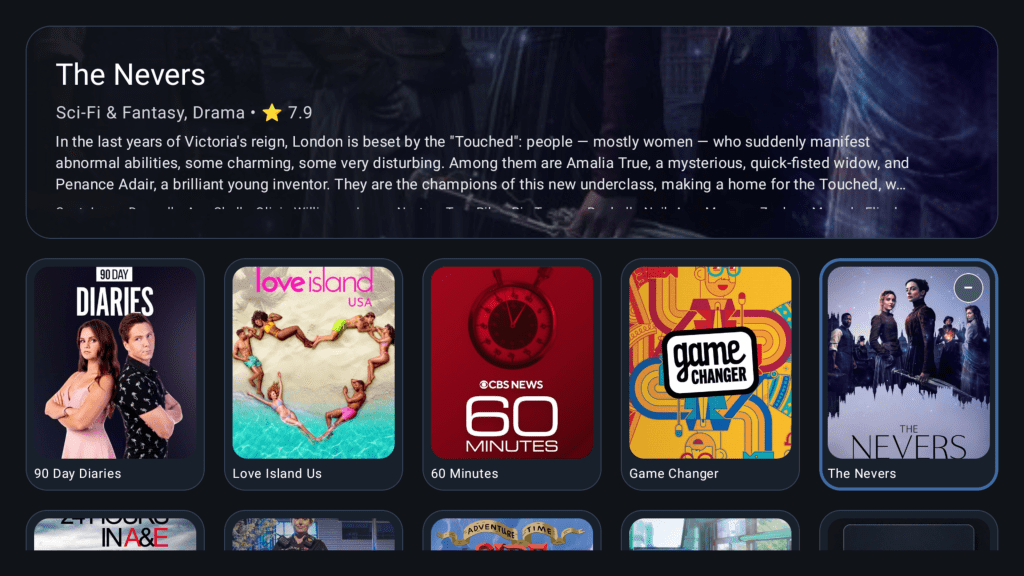
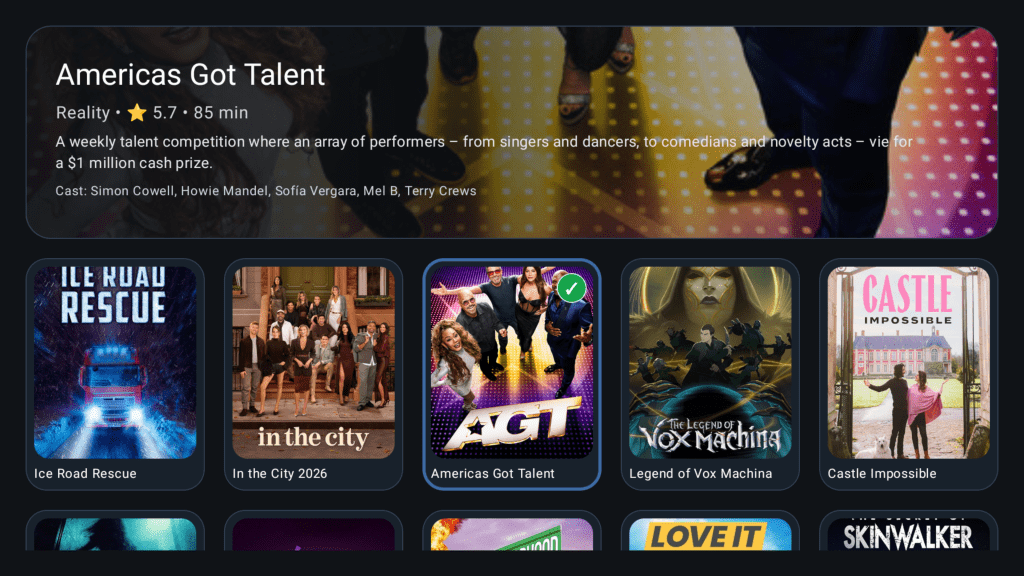
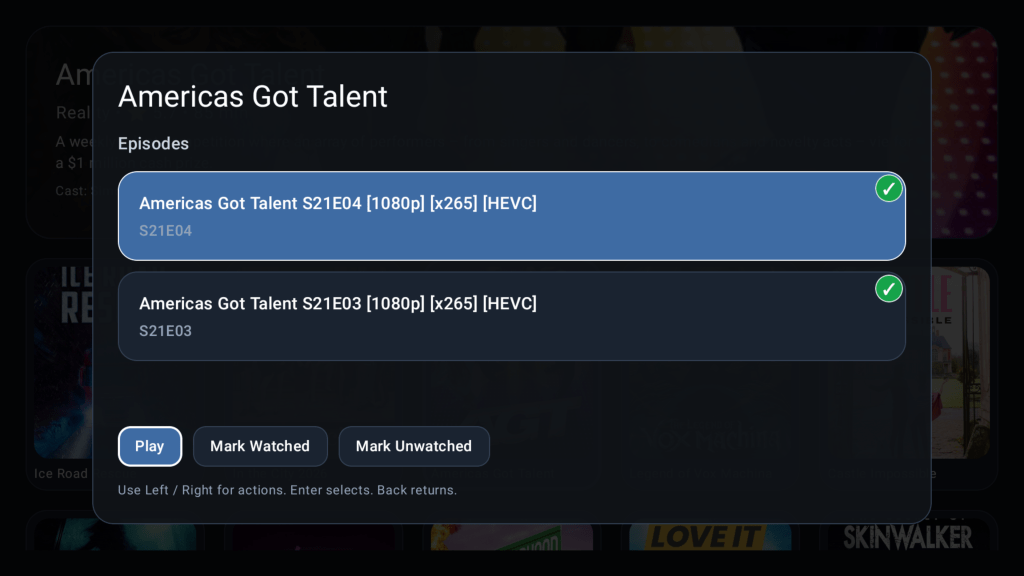
TV Series
TV series provide the same features as movies, plus an Episode Picker that lets you manage watched status for individual episodes.
Screenshots
Recommendations
The You May Also Like section is unique to Zeeko.
Rather than showing recommendations that may not be available from your provider, Zeeko compares SIMKL recommendations with your own VOD library and only displays titles that are available in your playlist. This makes it easy to discover something you can watch immediately.
No Comments on "Using SIMKL"